
How to Program EPLS on a Magnetek Drive
This technical walkthrough shows you how to set up EPLS on a Magnetek IMPULSE Series 4 drive.
For a visual walk through, watch the tutorial video on the Lifting & Rigging Channel:
Transcript
Overview of the EPLS Test Panel Setup
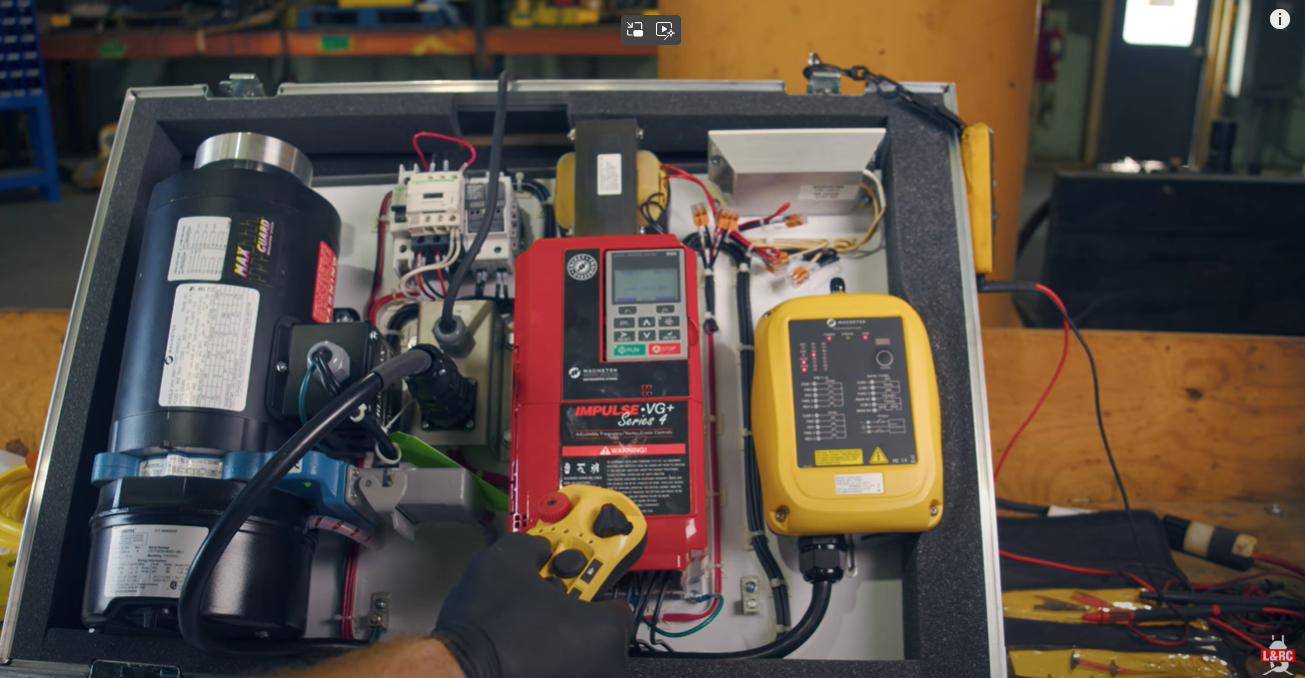
Hello, my name is John Stelman, I’m with Mazella Companies, and this is our test panel for Magnetek and CM products. Let’s go over what we have in our box from Magnetek. We have our Magnetek’s Black Max Motor, our Stearns brake, our Avtron encoder, our signature IMPULSE Series 4 drive, our Magnetek Flex EX2 receiver. Let’s turn it on and let’s get started.
Why Use Electronic Programmable Limit Switches (EPLS)?
So today I would like to set up electronically programmable limit switches. Sometimes we run into issues with limit switches that we may need to get out of a bind or we may need an alternative limit switch. And then we turn to the Magnetek Series 4 drive to where we can actually program the EPLSs into the drive without actually having a mechanical switch. Doing hoist height from the rotation of the encoder and drum.
Scenarios will come up to where we’ve got to get the customer by and for a temporary fix to where we can set up the limit switches where our mechanical limit switches have failed, we can program our limit switches into our drive now and get the customer back up and running.
How to Set the Home Position with Encoder Feedback on a Magnetek Drive
In our example that we’re going to put in our limit switches today, I have a relatively elementary diagram here of how we’re going to have to set it up. We’re going to have to have a push button to zero our limit switch out to start at our zero with our revolutions.
So to do that we’re going to go in and we’re going to program our button, S262, wire number 218, to a normally open push button.
How do we do that? So we will go to our C parameters, we start at CO3-14 and we’ll define what our home position will be. So in this case, we’re going to set it up as a Home MFDI 2 Upper. When we’re in an upper limit, that is going to be our home position.
How to Program a Push Button to Reset Hoist Encoder Counts to Zero
Once we have that set, we’re going to have to define where our push button is going to be located on our drive. In our print, we’re actually going to have it set to the S5 terminal on the drive.
So we will go to HO1-05, that is our S5 terminal to program our input for this circuit. So when you do that, you will set this parameter to a 67 Hook Height Home. It is what the program will be now.
So you’ll enter that and now on your S5 terminal you will have the push button or on/off switch that we have here to clear out our home position.
So we will exit out of everything, to determine that we have it on the right terminal, we will take it off and flip our switch. So we see our LED illuminate and we know we have it on the right terminal now and that is zero, our home position.
How to Verify the Encoder’s Zero Position Using U01-51 Parameter
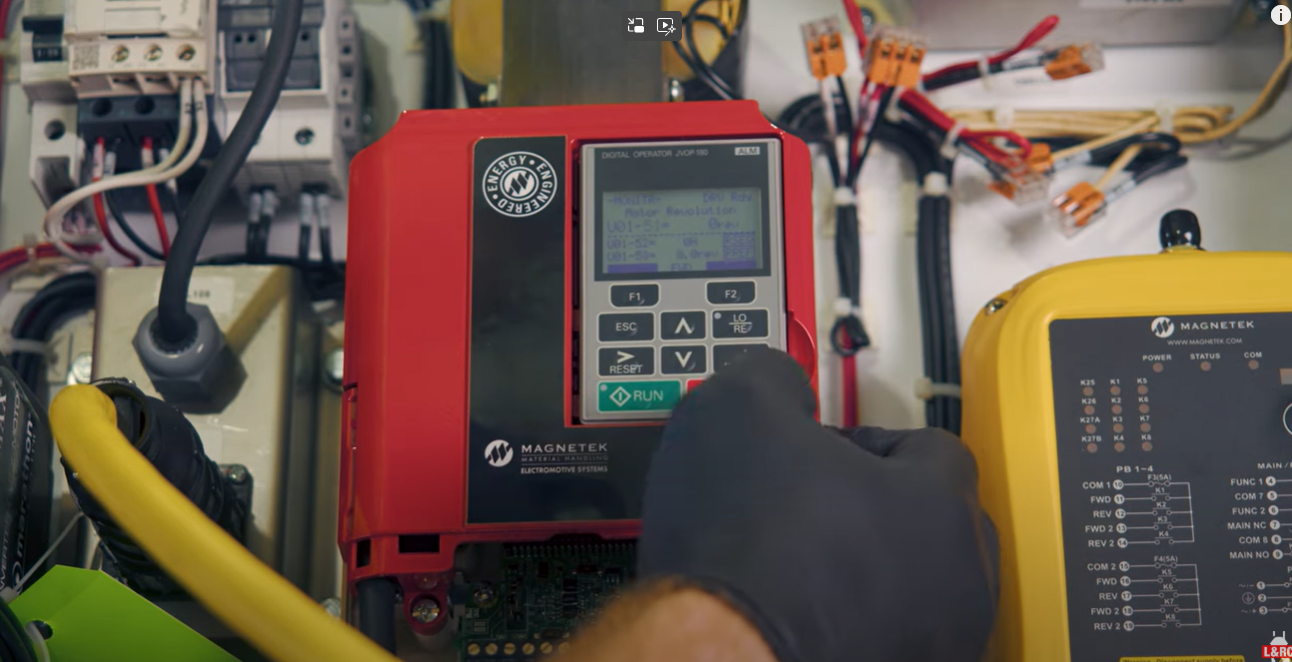
To verify that we have zeroed everything out, we can go to our U parameters, which is U01-51 and it should be zero at this time. So we have UO-51 and it is set to 0 revolutions right now. So we know we are in our home position.
So where do we go from there? Now that we have our home position, we will go back into our parameters and start setting up our upper and lower limits.
How to Set Upper Hoist Travel Limits with EPLS Parameters (C03-16, C03-17)
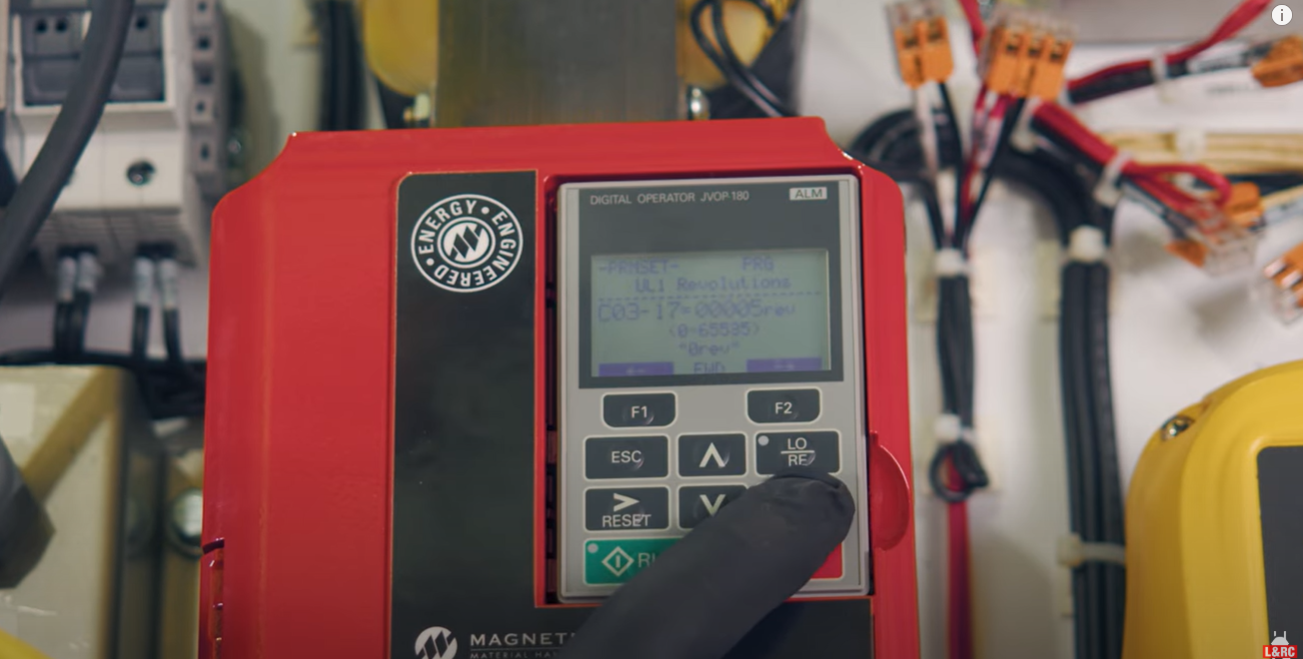
After we get everything zeroed out, we’re going to go back into our CO3 parameter list and go to CO3-16 and that will be our UL2 limit.
So we will go in and we will set that to, say, 5 revolutions. And then we will move down to the other limit, which is CO3-17 and we will set that at, say, 55, so we can actually see our slowdown and stop after we ramp up and ramp down. Okay?
How to Clear EPLS Limit Faults and Test Upper Limit Stop Points
Now we have everything exited out, we have our limit alarms on because we are within them revolutions right now ’cause we’re still set at zero, so we will have to actually run it down to get out of the UL2 fault.
So now that we’re out of our alarms, you know, we can run back up into our limits and check our limits.
So we hit our slowdown limit and now we hit our ultimate limit with UL2. And that is our stop limit for our up.
How to Set Lower Hoist Travel Limits with EPLS (C03-18, C03-19)
Now going from there we can, you know, if we want to go into it, we can actually go in and set 18 and 19. That’s going to be our lower limits, our slow down and stop for our lower limit.
So let’s go in and adjust them right now. So we will set our LL1 to 200 revolutions and then we will set our LL2 to 250 revolutions. We’ll exit out and we’ll check everything for our lower.
So we’ve hit our slow down for our lower with our alarm coming on, and now we hit our ultimate limit for lower and our stop limit for lower, and now it will not lower anymore, it can only go up.
Now, we can go up and we can go out in high speed, going back up in high speed all the way up to the upper limit to make sure we have all our limits now.
EPLS Recap: Key Setup Steps and Final Overview
So that is how you set up your EPLS on your Magnetek drives and you can go in and kind of tweak here and there for your slowdown speeds and stuff like that. But that is your major parameters that you have to change to set everything else up.
You have to have something to zero it out, and then once you zero everything out and program where that is, you can set up your upper and lower limits.
I hope this information was helpful today. If you have any questions or comments, please let us know. We’re here to help.
Whether you’re dealing with failed limit switches, retrofitting an older crane, or need more precise hoist control using encoder feedback, this technical walkthrough shows you how to set up EPLS on a Magnetek IMPULSE Series 4 drive.
What You’ll Need
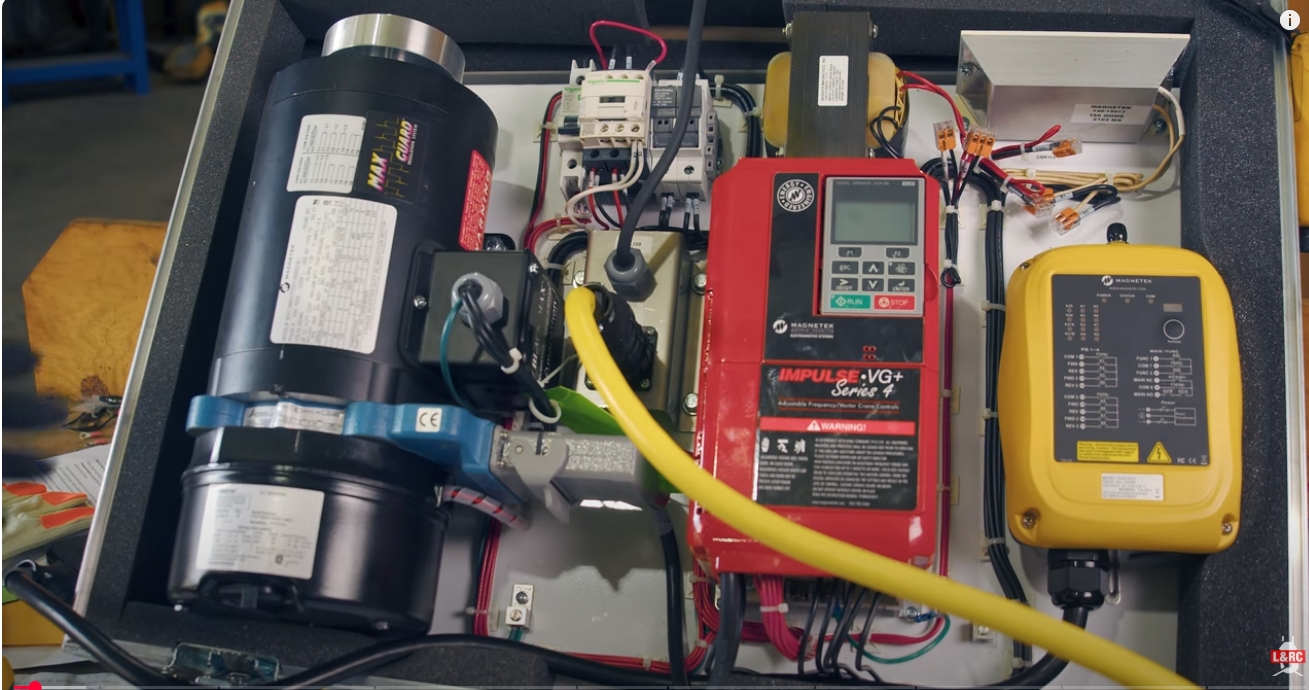
Ensure your setup includes:
- IMPULSE Series 4 Drive
- Avtron Encoder
- Black Max Motor
- Stearns Brake
- Flex EX2 Receiver
Make sure to also wear the proper personal protective equipment (ppe).
1. Set the Home Position Using Encoder Feedback
A. Wire and Assign Push Button:
- Wire a normally open push button to terminal S5.
- Go to parameter H01-05 and set it to 67 (Hook Height Home).
B. Define Home Position:
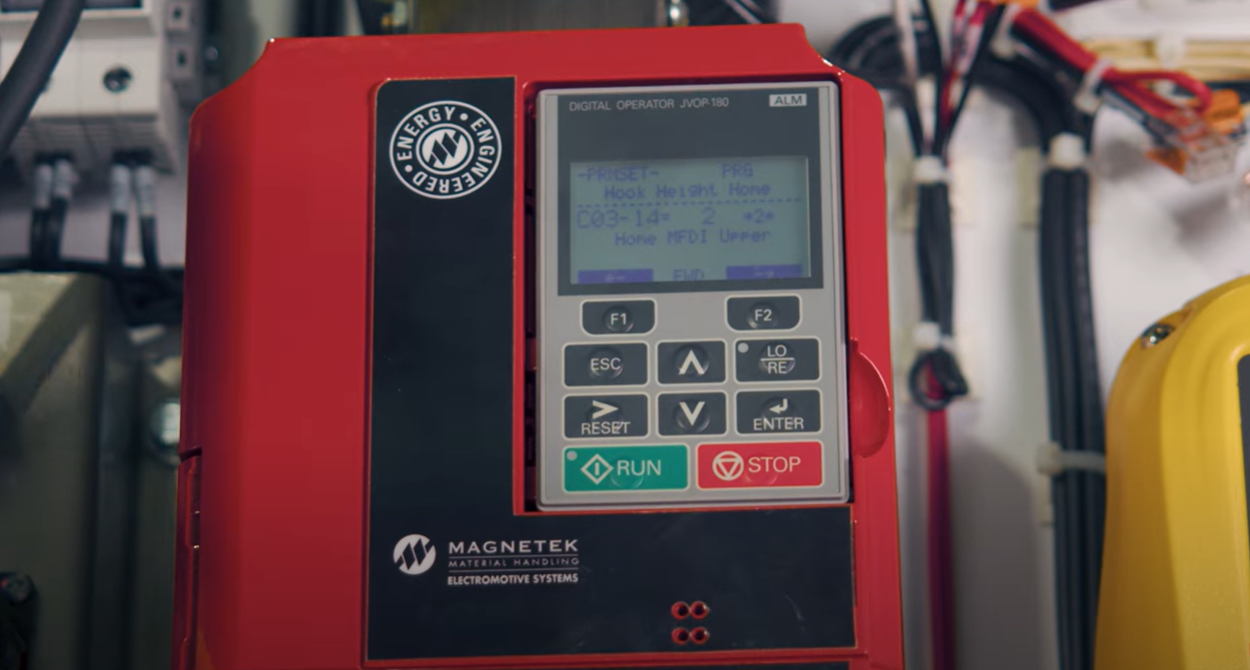
- Access C03-14.
- Set it to Home MFDI 2 Upper (your zero point for revolutions).
C. Confirm Zero Position:
- After pressing the button, verify encoder reset via U01-51. It should display 0 revolutions.
2. Set Upper Hoist Travel Limits
A. Navigate to Parameters:
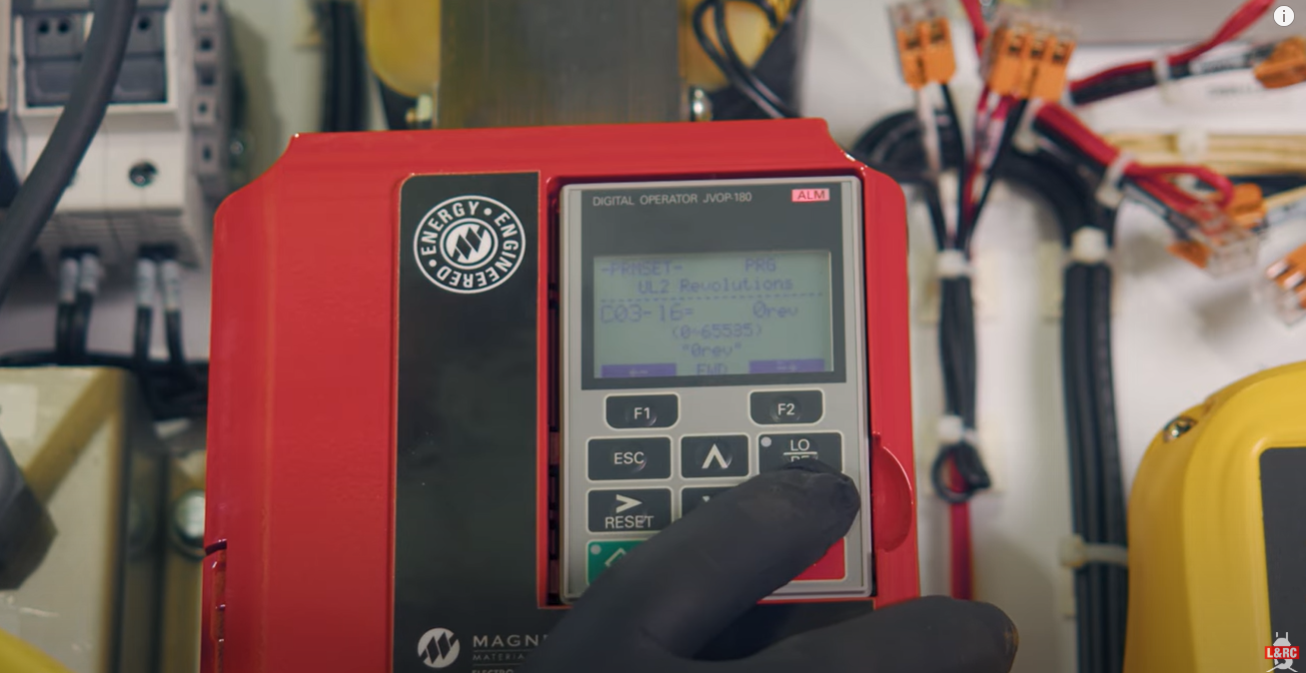
- C03-16: Set UL2 (slowdown) – e.g., 5 revs
- C03-17: Set UL1 (stop) – e.g., 55 revs
B. Clear EPLS Fault:
Run the hoist down until alarms clear due to being outside UL2.
C. Test Upper Limits:
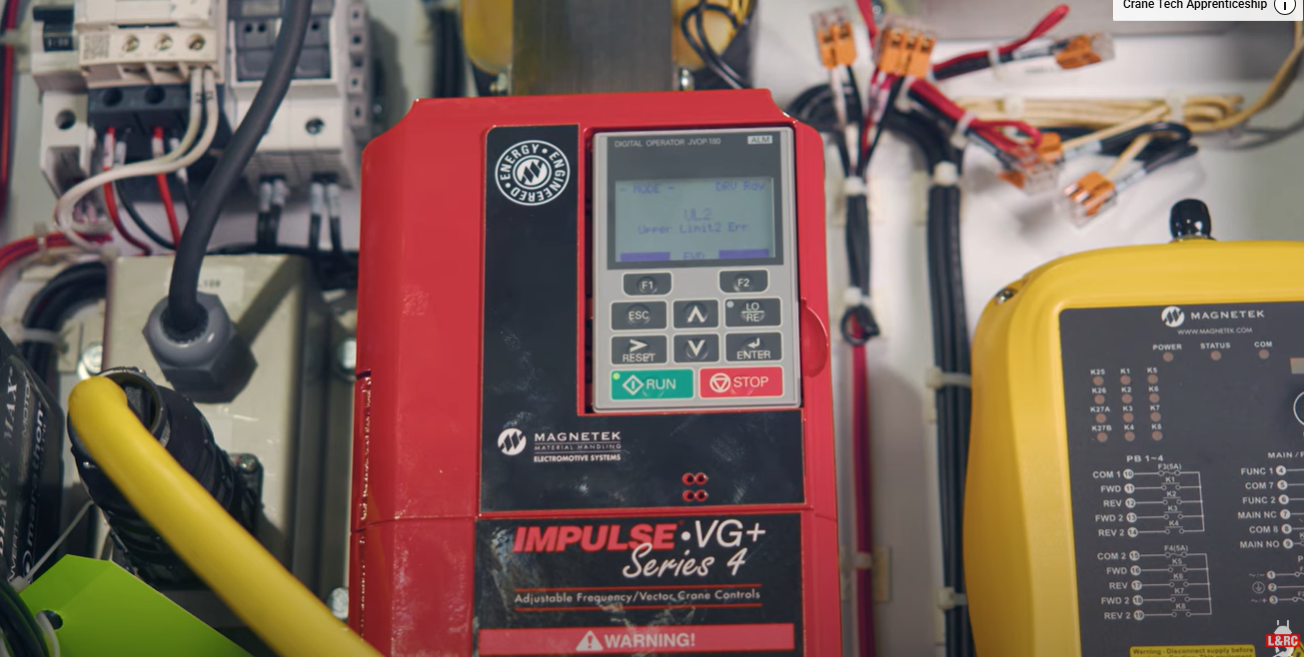
- Run hoist up to confirm slow and stop triggers function at UL1 and UL2.
3. Set Lower Hoist Travel Limits
A. Enter Lower Limits:
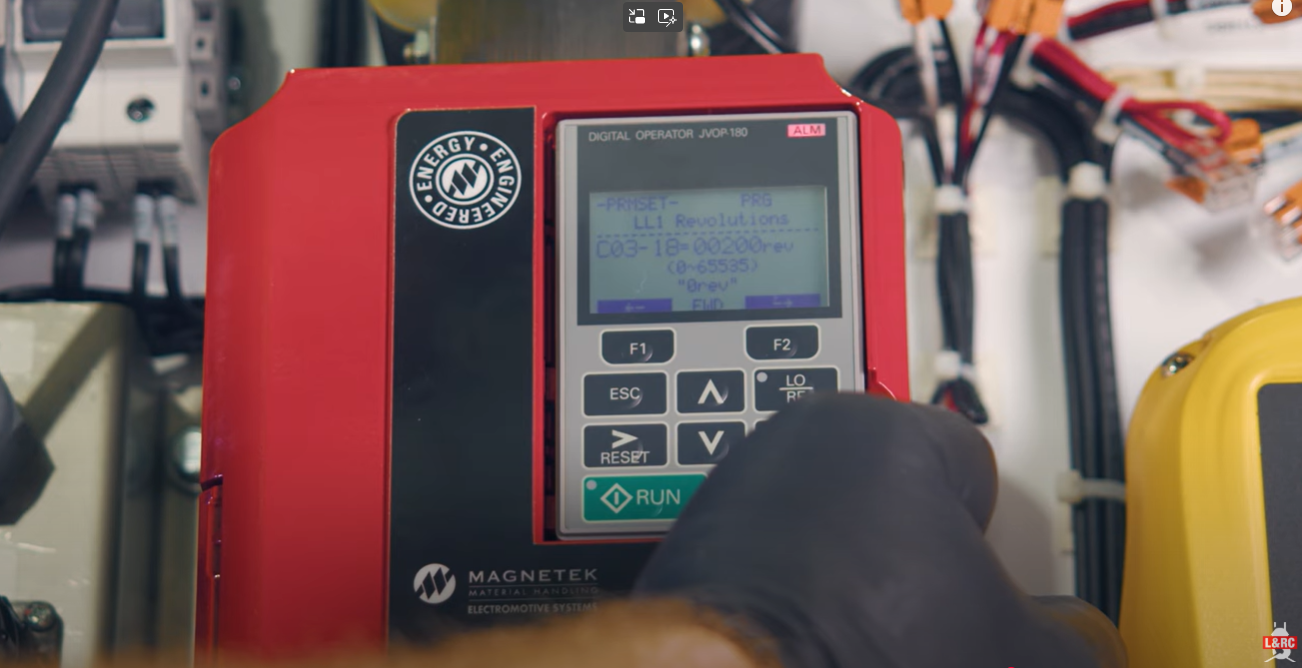
- C03-18: Set LL1 (slowdown) – e.g., 200 revs
- C03-19: Set LL2 (stop) – e.g., 250 revs
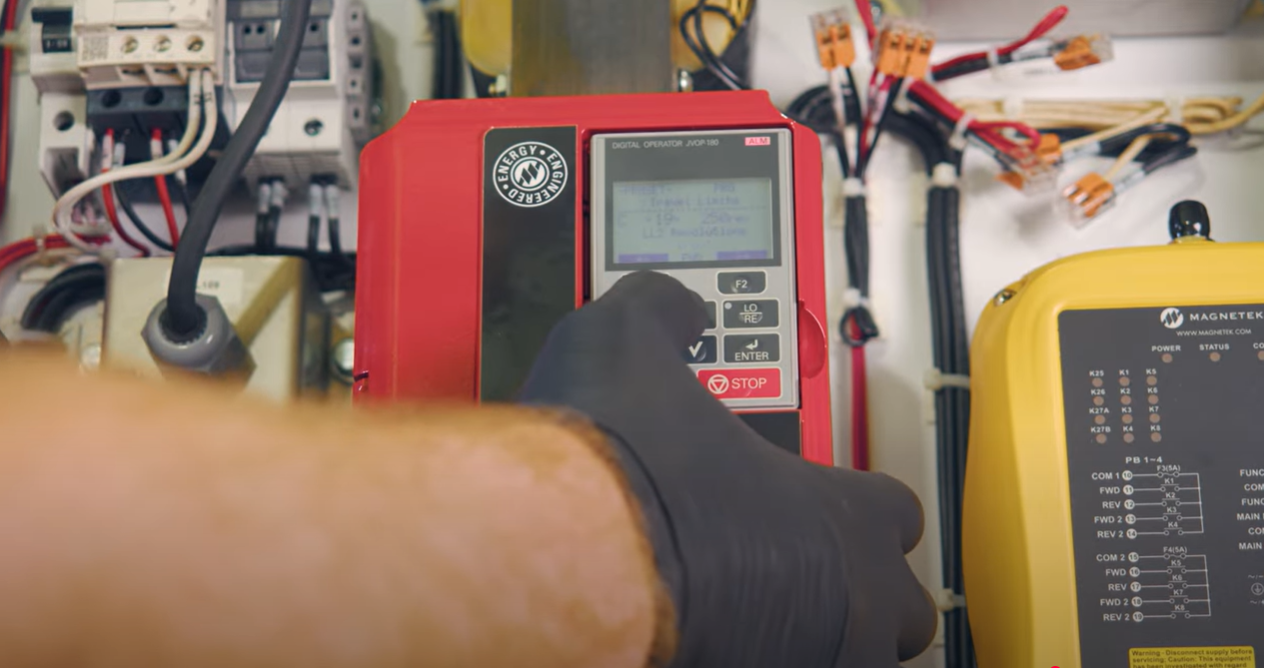
B. Test Lower Limits:
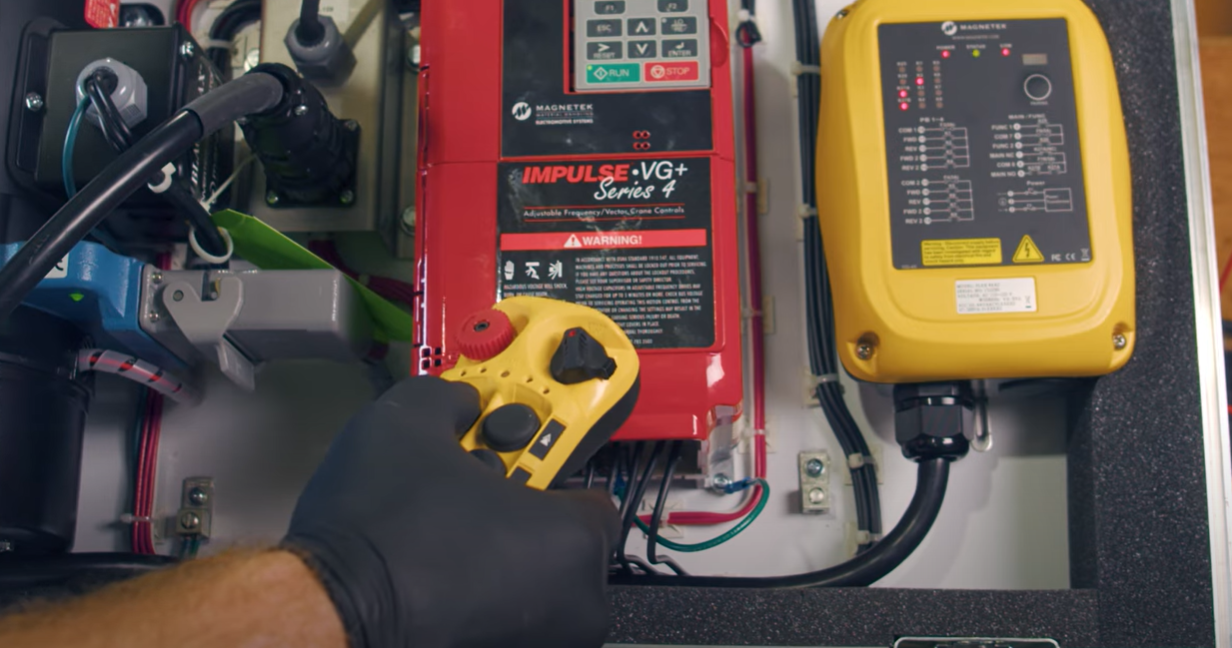
- Run hoist down and confirm alarms and stop at LL1 and LL2.
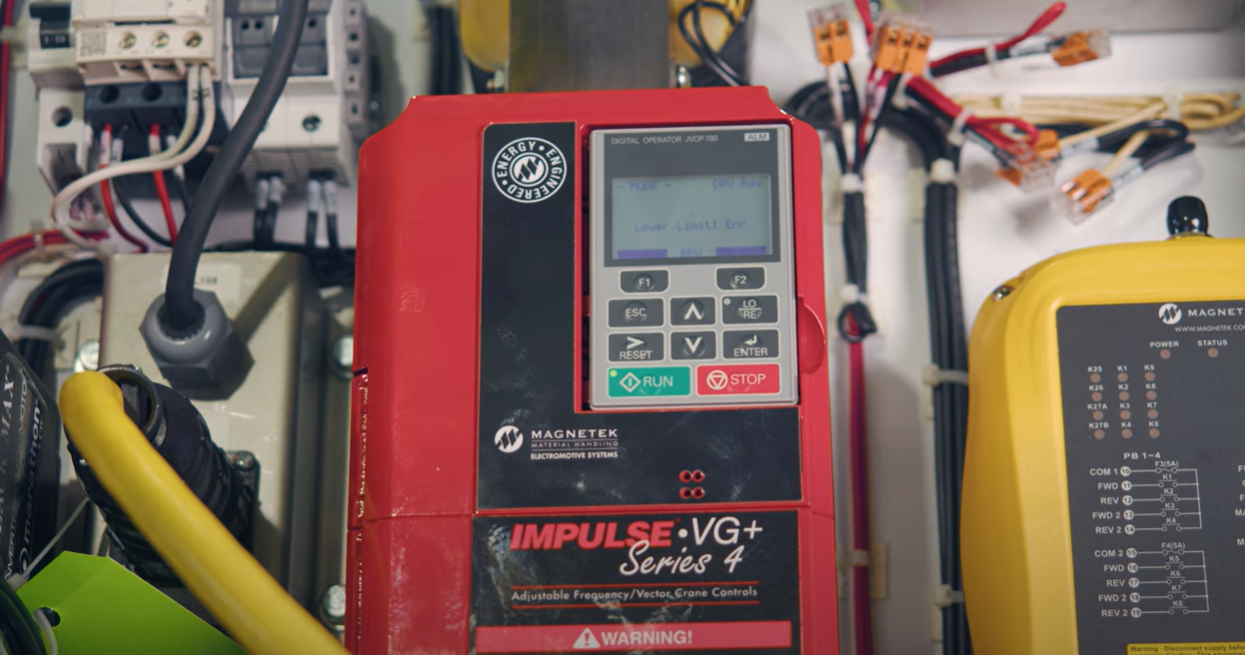
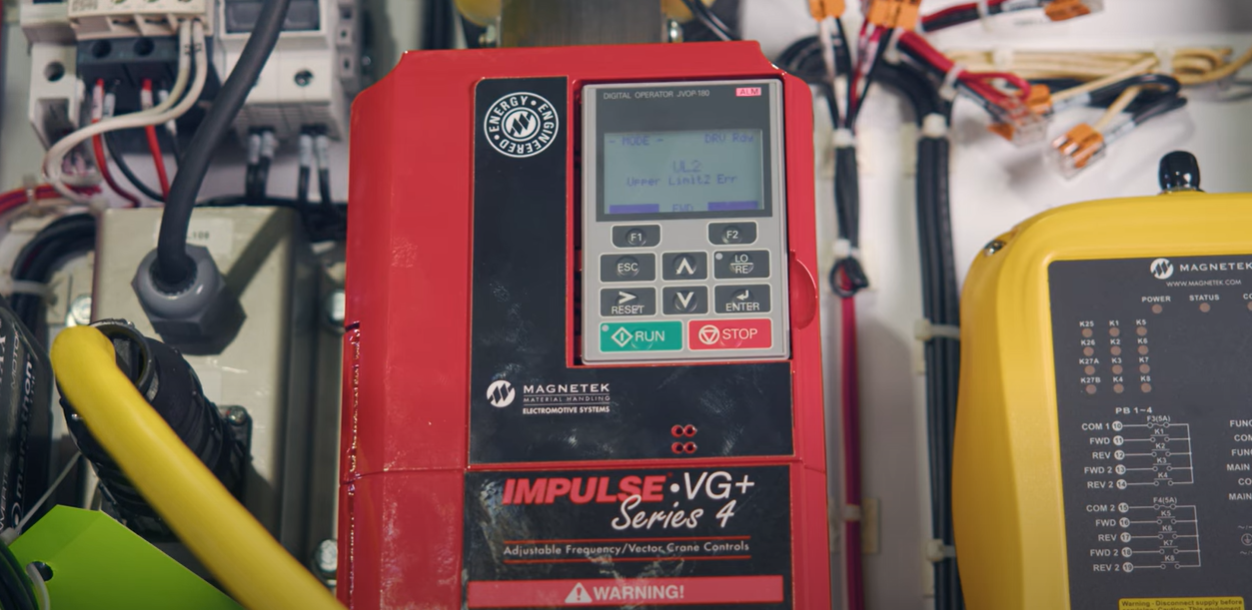
4. Fine-Tune as Needed
Once the main limits are functional, you can adjust ramp speeds and distances to better suit your application.
Why Is Setting Up EPLS and Hook Height Management Important?
While it may seem challenging, the benefits of setting up Electronic programmable limit switches and hook height management are worth it:
Precision
Setting up an EPLS allows you to have exact control over a hoist’s movement, allowing for more precise and safe lifts.
Improved Safety
Electronic programmable limit switches serve as a viable backup if the mechanical limits fail.
Convenience
EPLS and hook height measurement allows you to adjust faster and easier, reducing unnecessary downtime and improving productivity in the long run.
Final Thoughts
Relying on just mechanical switches leaves you vulnerable to excessive downtime and less precise lifts. Pairing your mechanical switches with an EPLS system will give you a hoist that is smarter, easier to manage, and better equipped for common in-field challenges.
Here is a brief summary:
Setting up EPLS involves four main steps: setting the home position with encoder feedback, programming upper and lower travel limits using drive parameters, and testing functionality. Once complete, adjust performance settings as needed.

Copyright 2025. Mazzella.